

Autodesk Inventor vs SolidWorks: A Practical Comparison

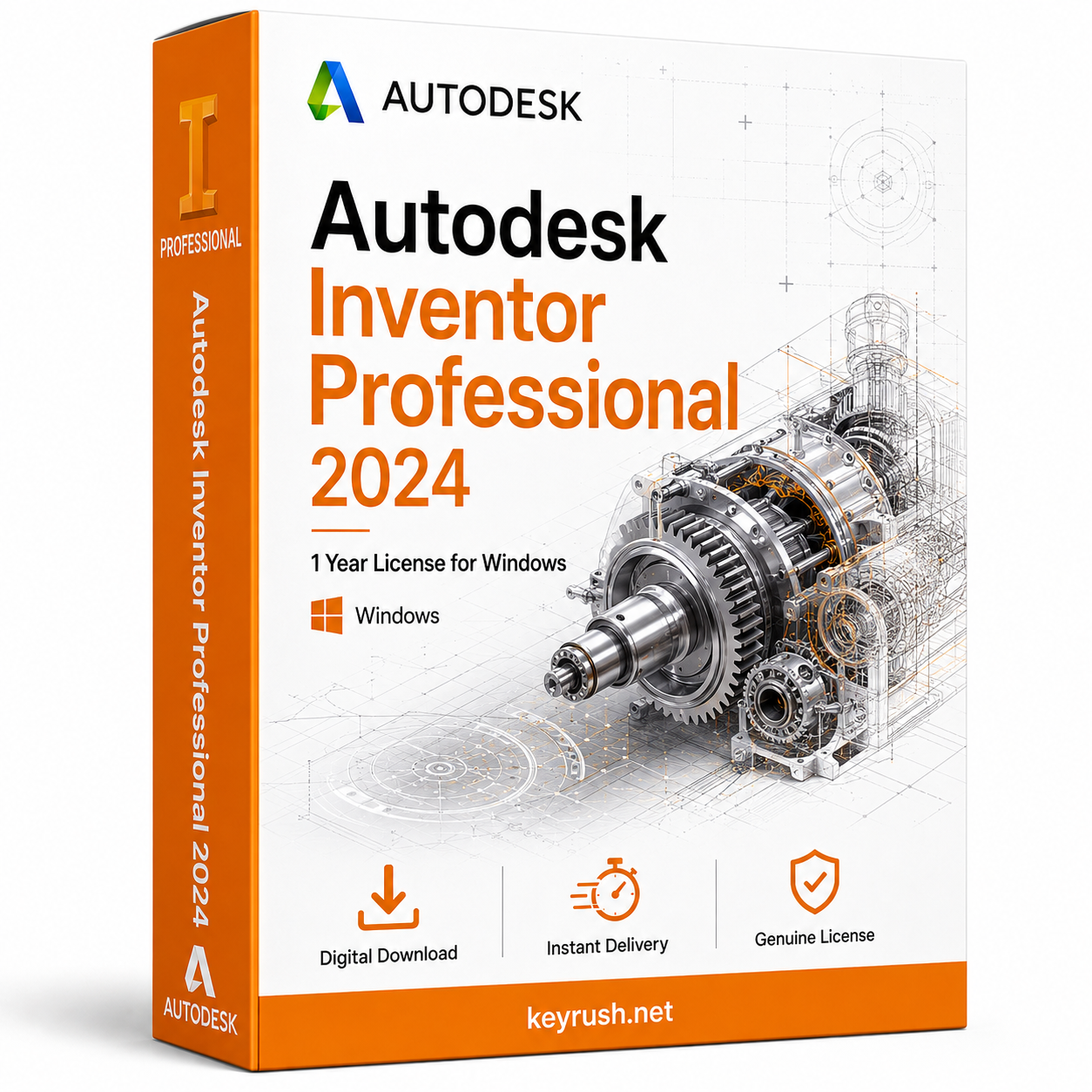
Choosing between Autodesk Inventor vs SolidWorks is one of the biggest decisions mechanical designers and engineers face when buying CAD software. Both are powerful parametric 3D modeling tools, but they differ in pricing, ecosystem, and workflow. This practical comparison breaks down the real differences so you can choose the right license for your team.
Autodesk Inventor vs SolidWorks: Core Differences
Both Inventor and SolidWorks are parametric, feature-based 3D CAD platforms used for mechanical design, assemblies, and manufacturing drawings. Inventor integrates tightly with the broader Autodesk ecosystem, including Fusion, Vault, and the AEC Collection, while SolidWorks operates as a standalone Dassault Systemes product with its own PDM and simulation add-ons. Both support large assemblies, sheet metal design, and photorealistic rendering.
Pricing and Licensing Comparison
SolidWorks is typically sold through regional resellers with perpetual or subscription licenses, and pricing can vary significantly by country and package tier. Inventor is sold directly through Autodesk as an annual or multi-year subscription, often bundled inside the Product Design and Manufacturing Collection. Buying a verified license key for either program can reduce costs substantially compared to full retail pricing.
Ease of Use and Learning Curve
Many users find SolidWorks slightly more intuitive for beginners because of its consistent interface and mature community tutorials built up over decades. Inventor has closed much of this gap in recent versions and offers smoother interoperability if your firm already uses AutoCAD or Revit. Both platforms require a few months of regular use before a designer becomes fully productive.
Which Industries Prefer Inventor or SolidWorks
SolidWorks has a strong following among product designers, consumer goods manufacturers, and smaller machine shops. Inventor is common in industrial machinery, automotive suppliers, and companies already invested in Autodesk’s construction and manufacturing tools.
Simulation and Add-On Tools
SolidWorks Simulation is a well-regarded add-on for stress testing and motion analysis, often praised for its accuracy. Inventor includes built-in stress analysis and dynamic simulation tools, and can also connect to Autodesk Fusion for more advanced generative design work.
Frequently Asked Questions
Can Inventor open SolidWorks files? Yes, Inventor can import SolidWorks part and assembly files, though complex features sometimes need manual repair. Is SolidWorks cheaper than Inventor? Pricing depends heavily on region and licensing tier, so it is worth comparing quotes for your specific package. Which one is better for beginners? SolidWorks is often considered slightly easier to start with, but Inventor is a strong choice if your company already uses other Autodesk products.
Where to Buy a Genuine Autodesk Inventor License
KeyRush offers genuine Autodesk Inventor licenses at prices well below official retail, with every key verified before delivery and full activation support included. Whether you need a single-seat license or one for your entire engineering team, you can get set up quickly without the usual procurement delays.
Weighing Autodesk Inventor vs SolidWorks comes down to your existing software ecosystem, budget, and industry. Both platforms handle professional mechanical design work reliably, so the right choice depends on what integrates best with your team’s current workflow and long-term software strategy.